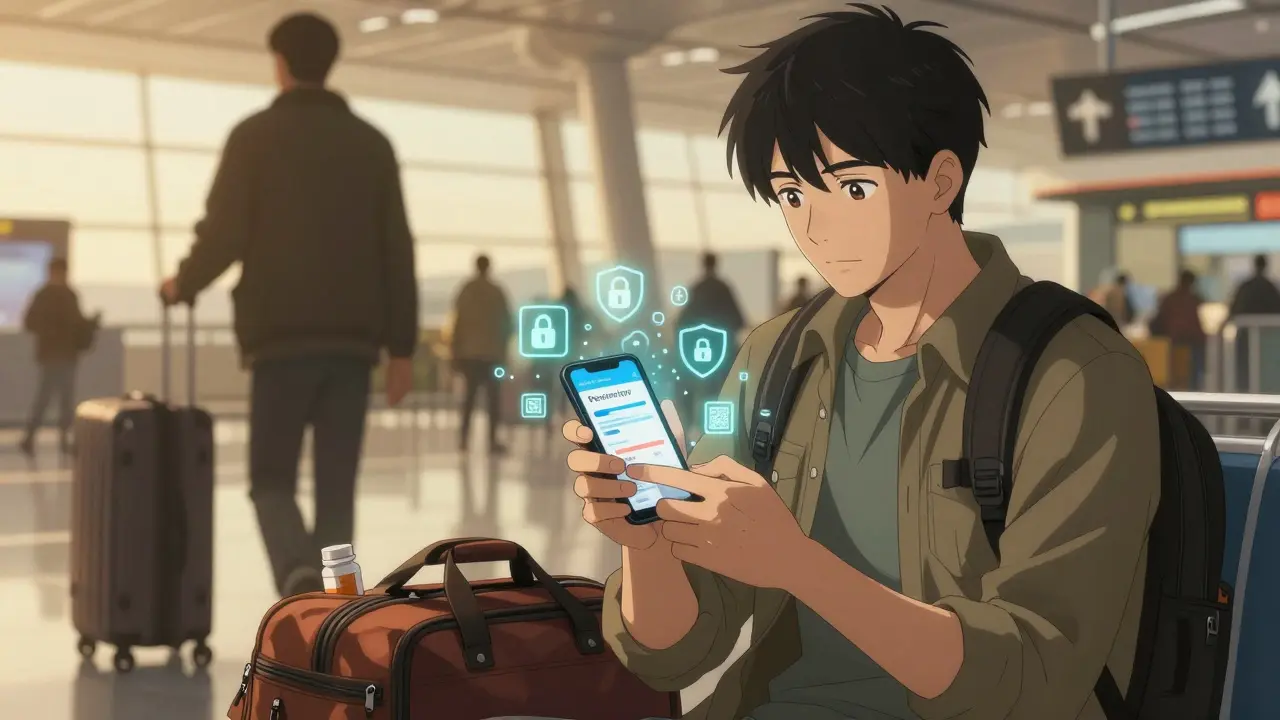
When you’re traveling, your medication isn’t just a pill in a bottle-it’s your ability to function, to breathe, to feel normal. But what happens if your bag gets lost, stolen, or checked in the wrong direction? Carrying backup prescriptions and digital copies isn’t optional if you rely on controlled substances, chronic condition meds, or anything that’s hard to replace abroad. Yet most people do it wrong-taking photos on their phone, printing paper copies, or storing them in a wallet. And that’s dangerous.
Why Your Current Method Is Risky
You’ve probably heard, "Just take a copy of your prescription." But no one tells you how to do it safely. A 2023 Consumer Reports survey found that 57% of people who stored digital prescription copies had at least one security issue-like someone accessing their phone and seeing their medication list, or a photo being accidentally shared. In one case, a traveler in Thailand had their phone stolen. The thief used the prescription photo to fill a fake opioid script at a local pharmacy. That’s not hypothetical-it happened. Physical copies are just as risky. A 2022 study in the Journal of Patient Safety showed that 23% of people who carried printed prescriptions experienced theft or unauthorized use. And if you’re carrying a paper copy of a Schedule II drug like Adderall or oxycodone, you’re legally vulnerable in many countries. Some places treat possession of a prescription without the original bottle as illegal, even if it’s yours.What You Should Do Instead
The goal isn’t just to have a backup-it’s to have a backup that can’t be misused, can’t be stolen, and actually works when you need it.- Use your pharmacy’s app-not your phone’s gallery. CVS, Walgreens, and other major U.S. pharmacies now offer encrypted prescription storage inside their apps. These aren’t just photos-they’re secure, authenticated records tied to your account. You can access them offline, and they’re protected by your login and biometrics. If your phone dies, you can log in on a friend’s device and pull up your meds. This is the only method that’s been verified by pharmacists as reliable and secure.
- Don’t store images in your camera roll. A screenshot or photo of your prescription is a liability. It’s not encrypted. It’s not authenticated. It’s just a file anyone can open. Even if you lock your phone, someone with physical access can still see it. And if you use cloud backup, that image might be sitting on a server with no protection.
- Get a digital copy from your doctor’s portal. Many EHR systems like MyChart or Epic now let patients download PDF versions of their prescriptions. These are often signed and stamped digitally, making them legally valid in most countries. Save them to a password-protected folder on your computer, then upload them to a secure cloud service like ProtonDrive or Tresorit-not Google Drive or iCloud. These services offer end-to-end encryption, meaning even the provider can’t see your files.
- Carry a physical copy, but only as a last resort. If you must print one, keep it folded inside your passport or hidden in a money belt. Never put it in your checked luggage. Never leave it on a table at a hotel. And never, ever write your name or prescription number on the outside of the paper. The fewer identifiers, the better.
How to Verify Your Digital Copy Is Legitimate
A fake prescription is easy to make. A real one has features you can check. - Look for a digital signature from your prescriber. Legitimate PDFs from EHR systems include a visible or embedded signature. - Check for a pharmacy stamp or reference number. If it’s from your pharmacy’s portal, it will have their contact info and license number. - Make sure the medication name, dosage, and quantity match exactly what’s on your bottle. Even a small typo can cause problems at customs or a foreign pharmacy. If you’re unsure, call your pharmacy before you leave. Ask: "Is this document acceptable as a backup if I lose my meds abroad?" Most will confirm whether it’s valid.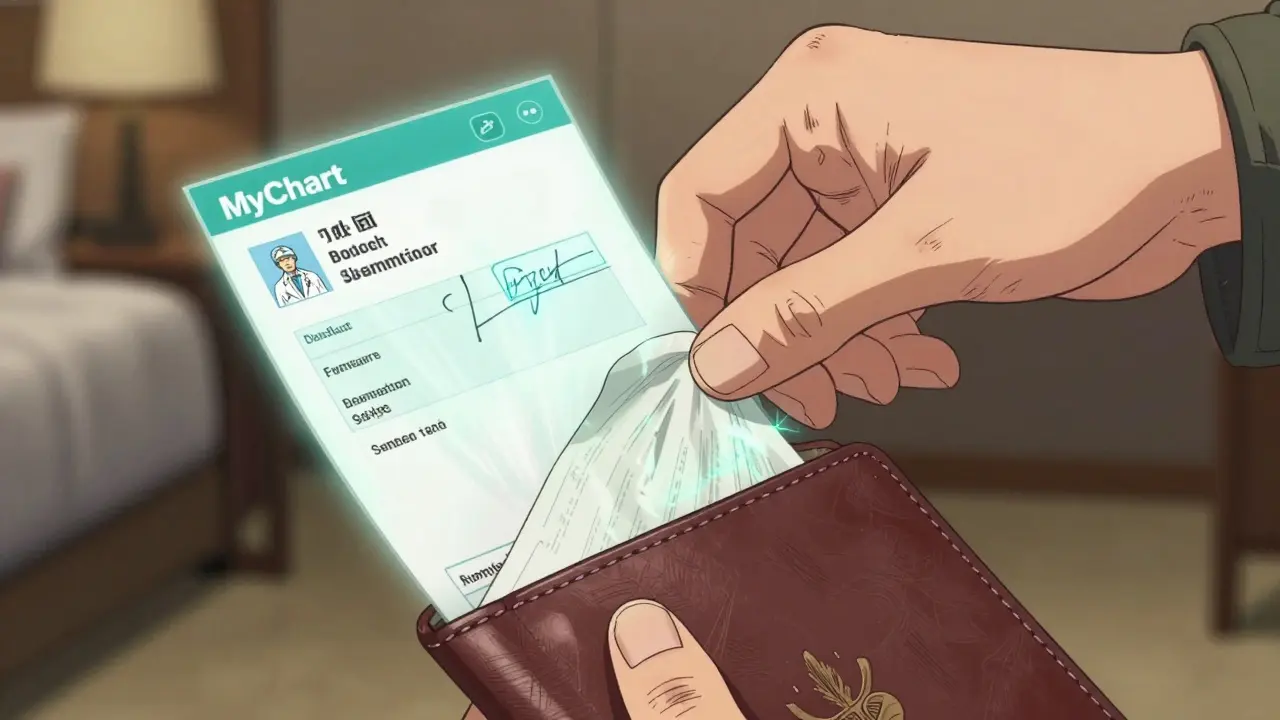
What to Do If You’re Traveling Outside the U.S.
Rules change by country. Some allow you to bring in small amounts of prescription meds with a letter from your doctor. Others ban them entirely-even if they’re legal at home. - Check the U.S. Department of State’s travel advisories for your destination. They list banned medications for each country. - For countries like Japan, Singapore, or the UAE, never bring stimulants, sleep aids, or opioids unless you have a special permit. Even Adderall can get you arrested. - Carry a doctor’s letter in English and the local language (if possible). It should state your name, diagnosis, medication, dosage, and that it’s for personal use. Don’t use a generic template-get it signed and stamped by your doctor.What Not to Do
- Don’t use free medication apps like Medisafe to store prescription images. Less than 3% of these apps encrypt stored documents, and most are designed for reminders, not security. - Don’t email your prescription to yourself. Email is not secure. Even if it’s "password protected," it’s still sitting on servers that can be hacked. - Don’t rely on your insurance portal. Most insurance sites only show claims and refill history-they don’t give you downloadable, valid prescription copies. - Don’t carry more than a 30-day supply unless you have official authorization. Customs officials see large quantities and assume you’re trafficking.Real-World Example: What Worked
Last year, a traveler from Bristol flew to Germany with a prescription for gabapentin. She lost her bottle in transit. Instead of panicking, she opened her pharmacy’s app on her phone, pulled up her encrypted prescription, and walked into a local pharmacy. The pharmacist scanned the QR code on the screen (yes, some apps now include them), verified it against the national system, and filled her script the same day. No paperwork. No delays. No questions. She didn’t use a photo. She didn’t print anything. She used the tool her pharmacy built for exactly this situation.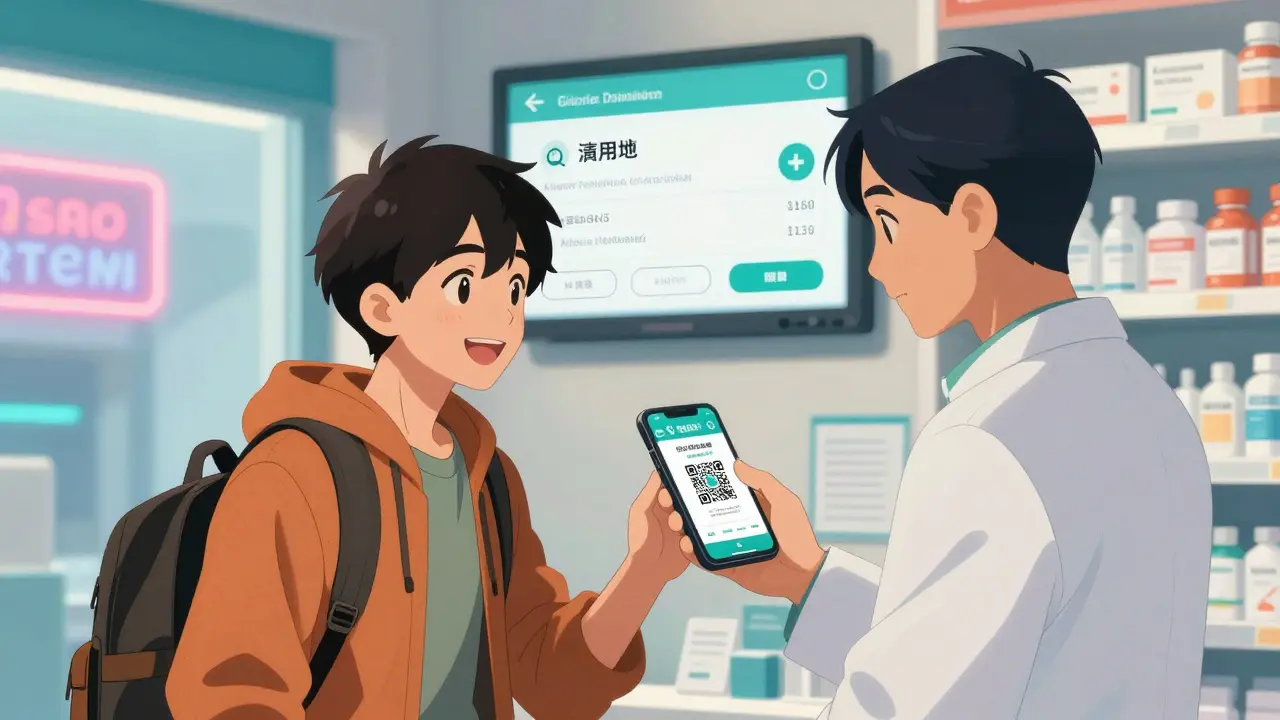
Final Checklist: Before You Leave
- ✅ Download your prescription from your pharmacy’s app (not a screenshot)
- ✅ Save a signed PDF from your doctor’s portal to an encrypted cloud drive
- ✅ Verify your meds are allowed in your destination country
- ✅ Get a signed doctor’s letter if traveling with controlled substances
- ✅ Keep your original bottle in your carry-on
- ✅ Test accessing your digital copy offline before you leave
What If You Lose Everything?
If your meds and copies are gone, go to the nearest pharmacy. Bring your passport, your doctor’s contact info, and any old pill bottles you might still have. Most countries have emergency protocols for travelers. You might not get the exact brand, but you’ll get something that works. Call your embassy if you’re stuck-they can help you contact your doctor or find a local physician.Bottom Line
Your prescription isn’t just a piece of paper or a photo. It’s your access to health, safety, and dignity when you’re far from home. The best backup isn’t the one you have-it’s the one that can’t be stolen, can’t be faked, and works when you need it most. Use your pharmacy’s app. Use encrypted storage. Don’t guess. Don’t risk it.Can I just take a photo of my prescription and save it on my phone?
No. A photo saved in your gallery or cloud storage isn’t secure. It’s not encrypted, not authenticated, and can be accessed by anyone who gets your phone. Even if your phone is locked, someone with physical access can open it. Use your pharmacy’s app instead-it’s designed to protect your data with encryption and login protection.
Are digital prescriptions from MyChart or Epic valid abroad?
Yes, if they’re signed and stamped by your provider. Many countries accept digital prescriptions from U.S. EHR systems like MyChart or Epic, especially if they include your doctor’s signature, your name, and the medication details. But always check your destination country’s rules first-some require a printed letter in addition.
What should I do if I’m traveling with opioids or controlled substances?
Don’t travel with them unless absolutely necessary. If you must, get a signed letter from your doctor explaining your condition, dosage, and that it’s for personal use. Carry no more than a 30-day supply. Research your destination’s laws-many countries, like Japan and the UAE, ban even small amounts of opioids. Always declare them at customs if asked.
Can I use apps like Medisafe to store my prescriptions?
No. Most medication apps like Medisafe are designed for reminders, not secure storage. Only 3% of these apps encrypt prescription images, and none are integrated with pharmacy systems. You’re better off using your pharmacy’s official app, which is built to meet healthcare security standards.
What if my phone dies or gets stolen while I’m abroad?
If you’ve saved a signed PDF to an encrypted cloud drive (like ProtonDrive), you can access it from any device with internet. If you don’t have access to another device, go to a local pharmacy with your passport and doctor’s contact info. Most pharmacies can verify your prescription through international systems or by calling your provider. Always carry your doctor’s name and phone number printed on paper.




Posts Comments
Jacob Milano January 3, 2026 AT 06:11
Okay but real talk-why does no one ever mention that your pharmacy’s app might not work overseas without a local SIM? I used CVS last year in Portugal and it froze the second I landed. Had to log in on my buddy’s tablet with hotspot. Still better than a screenshot, though. 🙌
Aaron Mercado January 4, 2026 AT 03:10
PLEASE. STOP. USING. PHOTOS. OF. YOUR. PRESCRIPTIONS.!!!
It’s not just risky-it’s reckless. You’re not storing your Netflix password-you’re storing a roadmap for drug traffickers to exploit your medical vulnerability. I’ve seen people get arrested overseas because their phone was unlocked and someone saw ‘Adderall 30mg’ and thought ‘free money.’
And don’t even get me started on iCloud backups-your prescription is sitting in a data center with zero encryption, just waiting for some hacker in Moldova to harvest it.
Use the pharmacy app. Use ProtonDrive. Use a signed PDF. Anything. But don’t be that person whose phone gets stolen and then their entire medical history gets turned into a black-market pharmacy inventory list.
It’s not paranoia-it’s survival.
saurabh singh January 4, 2026 AT 21:00
Bro in India we don’t even have access to most of these apps! 😅 But I got this hack-my doc gives me a signed PDF, I upload it to my Google Drive (yes I know, not ideal) but I encrypt it with a password and send the password via WhatsApp voice note to my sister. So if I lose my phone, she can call me and read the password over a call. No one can access it unless they know both the file AND the voice note. Works like magic!
Also, carry a printed copy folded in your shoe. No one checks shoes. Trust me.
Dee Humprey January 6, 2026 AT 19:48
Just wanted to add: if you’re on a chronic med, ask your pharmacy for a 30-day emergency refill before you leave. They can often authorize it to be picked up at any location in the U.S. - so if you’re traveling domestically and lose it, you’re covered. And yes, encrypted cloud > iCloud. ProtonDrive is the real MVP.
John Wilmerding January 8, 2026 AT 03:13
While the advice provided is largely sound, I would like to emphasize the importance of verifying the legal status of your medication not only via the U.S. Department of State, but also through the official government health authority of your destination country. Many nations maintain public databases or require pre-approval for controlled substances, and relying solely on third-party summaries may result in misinterpretation. Furthermore, the use of encrypted cloud services such as Tresorit should be accompanied by a local backup on a hardware-encrypted USB drive, stored separately from your digital devices. Redundancy is not excessive-it is essential.
Peyton Feuer January 9, 2026 AT 14:03
wait so if my phone dies and i have the pdf on protondrive but no internet… do i just… not get my meds? 😅
also i keep my paper copy in my sock. no one looks in socks. i swear.
Siobhan Goggin January 11, 2026 AT 09:34
This is the most practical travel advice I’ve read in years. Thank you. I’m flying to Japan next month and I was already planning to use my pharmacy app-but now I’m double-checking the meds list. No more guessing.
Vikram Sujay January 13, 2026 AT 08:19
The philosophical underpinning here is not merely logistical-it is existential. Your medication is not merely a chemical compound; it is the scaffold upon which your autonomy is built in a world that often forgets the fragile equilibrium of chronic health. To treat its preservation as a mere technical exercise is to reduce dignity to a file format. The real innovation is not the encrypted cloud, but the discipline to protect what makes you whole. Carry your prescription as you would carry your identity-with reverence, with redundancy, and with quiet resolve.
Write a comment